How to Reduce Phone Distractions Without Willpower
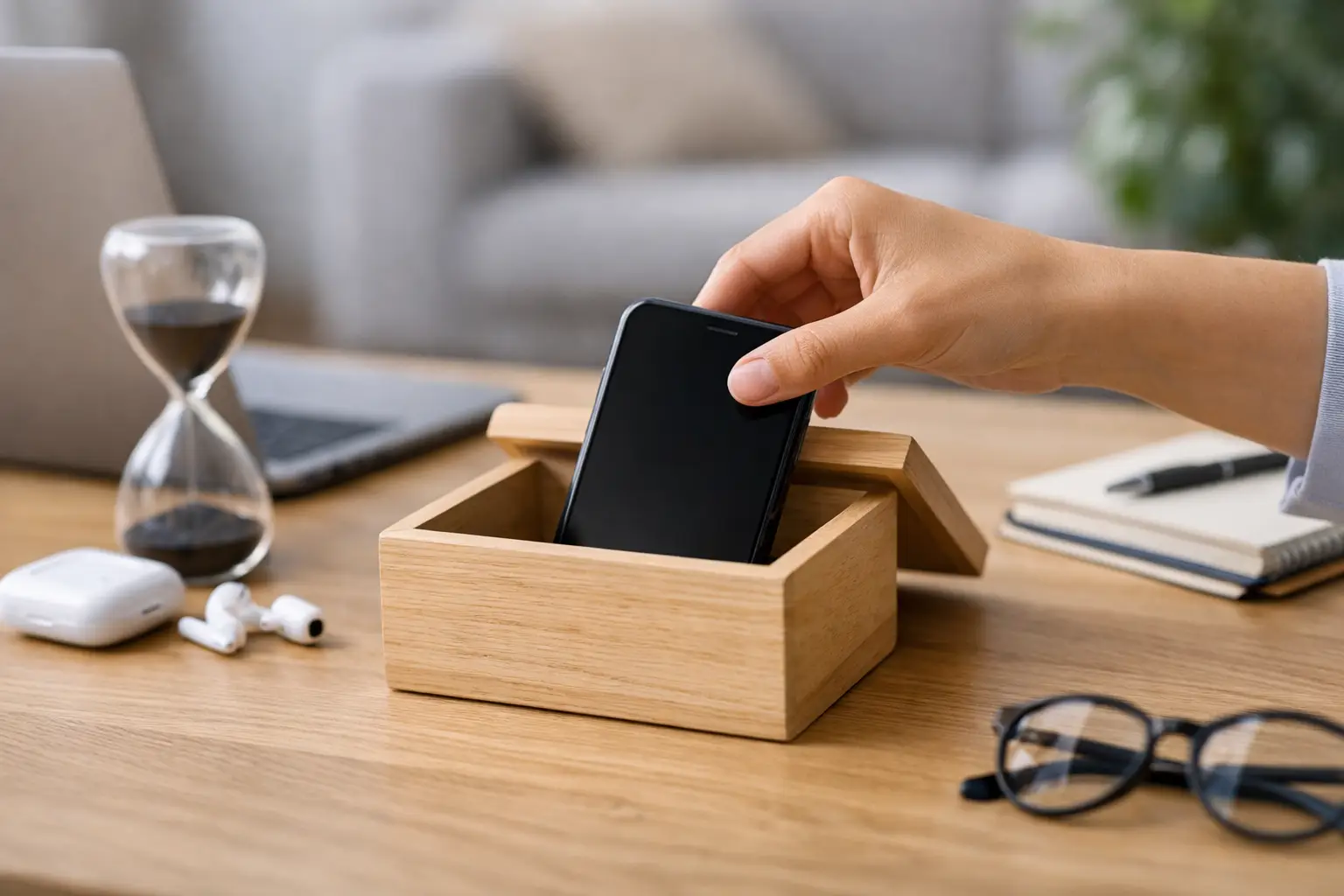
Your phone does not need to be across the room to interrupt you. It can interrupt you from your pocket, face-down on a desk, or sitting beside your bed. A single glance can turn into ten minutes of scrolling, checking, replying, and reopening an app you did not need. Learning how to reduce phone distractions is not about becoming more disciplined every minute of the day. It is about building an environment where distraction has fewer chances to win.
The goal is not to make your phone useless. It is a tool for work, family, navigation, banking, safety, and genuine connection. The goal is to stop letting every app, alert, and impulse decide what gets your attention next.
Why Phone Distractions Feel So Hard to Control
Most phone distraction is not a character flaw. It is a system problem.
Your device is designed to create quick returns. A notification promises new information. A message may require a response. A social feed offers novelty without effort. Your brain learns that checking takes almost no energy and may produce a reward. That is why reaching for your phone can happen before you have made a conscious decision.
Willpower helps, but it is unreliable when you are tired, anxious, bored, lonely, overloaded, or avoiding a difficult task. Those are normal human states. A plan that depends on perfect self-control will fail at the exact times you need it most.
Use a better rule: make useful phone use easy and unnecessary phone use slightly harder. Small barriers create enough space for you to choose.
How to Reduce Phone Distractions With the Three-Barrier System
The Three-Barrier System uses distance, silence, and purpose. Each barrier is simple. Together, they reduce the number of automatic checks without requiring you to delete your digital life.
Barrier 1: Create physical distance
Your phone should not always occupy the same physical zone as your current task.
When you need to work, study, read, eat with family, or rest, place the phone outside your immediate reach. A drawer, shelf, bag, or charging spot across the room is enough. You are not trying to punish yourself. You are adding one practical step between an impulse and a distraction.
If you work from home, choose a permanent phone parking spot. If you work outside the home, keep it in a bag rather than on your desk. If you are with your children or partner, place it screen-down in a location you cannot casually see.
Visibility matters. A phone on the desk does not have to ring to pull your attention. Seeing it can trigger the urge to check it. Remove the visual cue.
There are exceptions. Parents, caregivers, on-call workers, and people waiting for urgent medical or family updates may need close access. In that case, keep the phone nearby but use the next barrier aggressively: silence almost everything except essential contacts.
Barrier 2: Remove the alerts that create false urgency
Not every notification deserves access to your nervous system.
Start by separating alerts into two categories: people and platforms. Calls or messages from a small group of important people may need to reach you. Platforms, promotions, news alerts, game updates, shopping reminders, and social reactions almost never need immediate attention.
Turn off nonessential notifications at the source. Do not settle for muting your phone while leaving dozens of attention requests waiting on the lock screen. Disable badges if the red numbers pull you back into apps. Remove previews from your lock screen if reading them starts a mental conversation you cannot finish yet.
Keep notifications for what is truly time-sensitive: direct calls from priority contacts, essential work communication when your role requires it, calendar alerts you act on, and safety-related information. Everything else can wait.
This may feel uncomfortable for a few days. That discomfort is useful data. It shows how often your attention was being trained to expect interruption.
Barrier 3: Open your phone with a purpose
Before unlocking your phone, state the reason in a short sentence: “I am checking the calendar.” “I am replying to Sam.” “I am ordering groceries.”
Then do that one task and put the phone away.
This sounds basic because it is. But it interrupts the familiar pattern of unlocking your phone without a reason and letting the first app on the screen choose your next ten minutes. Purposeful use changes the phone from a default escape route into a tool.
A useful question is: “What did I pick this up to do?” Ask it when you notice yourself switching apps or scrolling without a clear reason. Do not judge yourself. Just return to the task, lock the screen, or set the phone down.
Build Phone-Free Anchors Into Your Day
You do not need a complicated digital detox. Start with a few protected periods that match real life.
Choose three anchors: the first part of your morning, one focus block during the day, and the final part of your evening. During each anchor, your phone stays in its parking spot unless there is a genuine need to use it.
Morning matters because the first information you consume can set the tone for your attention. If you check messages, news, or social media before you have fully started the day, other people’s priorities can enter your mind before you have chosen your own. Give yourself 20 to 30 minutes before checking nonessential apps.
A daytime focus block can be as short as 25 minutes. Put the phone away, define one task, and work until the timer ends. Then check your phone during a planned break if needed. Short blocks work because they make focus feel possible, even on crowded days.
Evening matters for a different reason. A phone beside the bed often turns rest into one more period of input. Charge it outside the bedroom when possible. If that is not practical, place it across the room and use a separate alarm clock if you can. The trade-off is convenience. The benefit is fewer late-night checks and a clearer boundary between the day and sleep.
Make the Distracting Choice Less Convenient
Do not rely only on settings. Change the layout of your device.
Move social media, news, shopping, and entertainment apps off the home screen. Put them in a folder with a name that creates a pause, such as “Later” or “Intentional Use.” Keep practical tools such as maps, banking, calendar, camera, and notes accessible.
Log out of the apps that consume the most time, especially if you usually open them automatically. The extra login step is not a major obstacle when you truly want to use the app. It is effective when you are simply bored for thirty seconds.
Consider deleting one app for a two-week test rather than declaring a permanent ban. Choose the app that most often leaves you feeling scattered, behind, irritated, or dissatisfied. Notice what changes. You may reinstall it with clearer limits, or you may realize you do not miss it as much as expected.
Do not replace every distraction with another screen. Keep a physical alternative nearby: a book, notebook, puzzle, water bottle, walking shoes, or a short household task. When your brain wants a break, give it a break that does not pull you into an endless feed.
Use Check-In Windows Instead of Constant Checking
Many people check their phones because they fear missing something important. The answer is not always to check less. It is to check on a schedule you can trust.
Set a few check-in windows around your responsibilities. For example, check personal messages after your first work block, at lunch, and before leaving work. The exact times depend on your job, family needs, and communication expectations. What matters is that you decide in advance.
Tell close contacts if you are changing your response pattern. A simple message is enough: “I am reducing notifications during work. Call me if it is urgent.” This removes uncertainty for both sides.
If your workplace expects rapid replies, create a narrower boundary. Keep required work channels available during work hours, but silence personal apps. When work ends, reverse the arrangement if your role allows it. A system should fit your actual obligations, not pretend they do not exist.
Expect the Urge and Let It Pass
At first, you may feel the impulse to check your phone every few minutes. That does not mean the system is failing. It means you are noticing a habit that was previously automatic.
When the urge appears, wait sixty seconds. Take one breath, finish the sentence you are writing, wash one dish, or stand up and stretch. Often the urge weakens when it is not answered immediately.
If you check anyway, avoid the all-or-nothing response. One distracted hour does not cancel the rest of your day. Put the phone back in its place and restart the next block. Progress comes from returning to the system quickly, not from performing it perfectly.
Your attention is not meant to be available to every alert, every opinion, and every algorithm. Give your phone a place, give your day a few protected anchors, and make checking a choice. Small boundaries, repeated consistently, can give you back more of your time than another productivity app ever will.